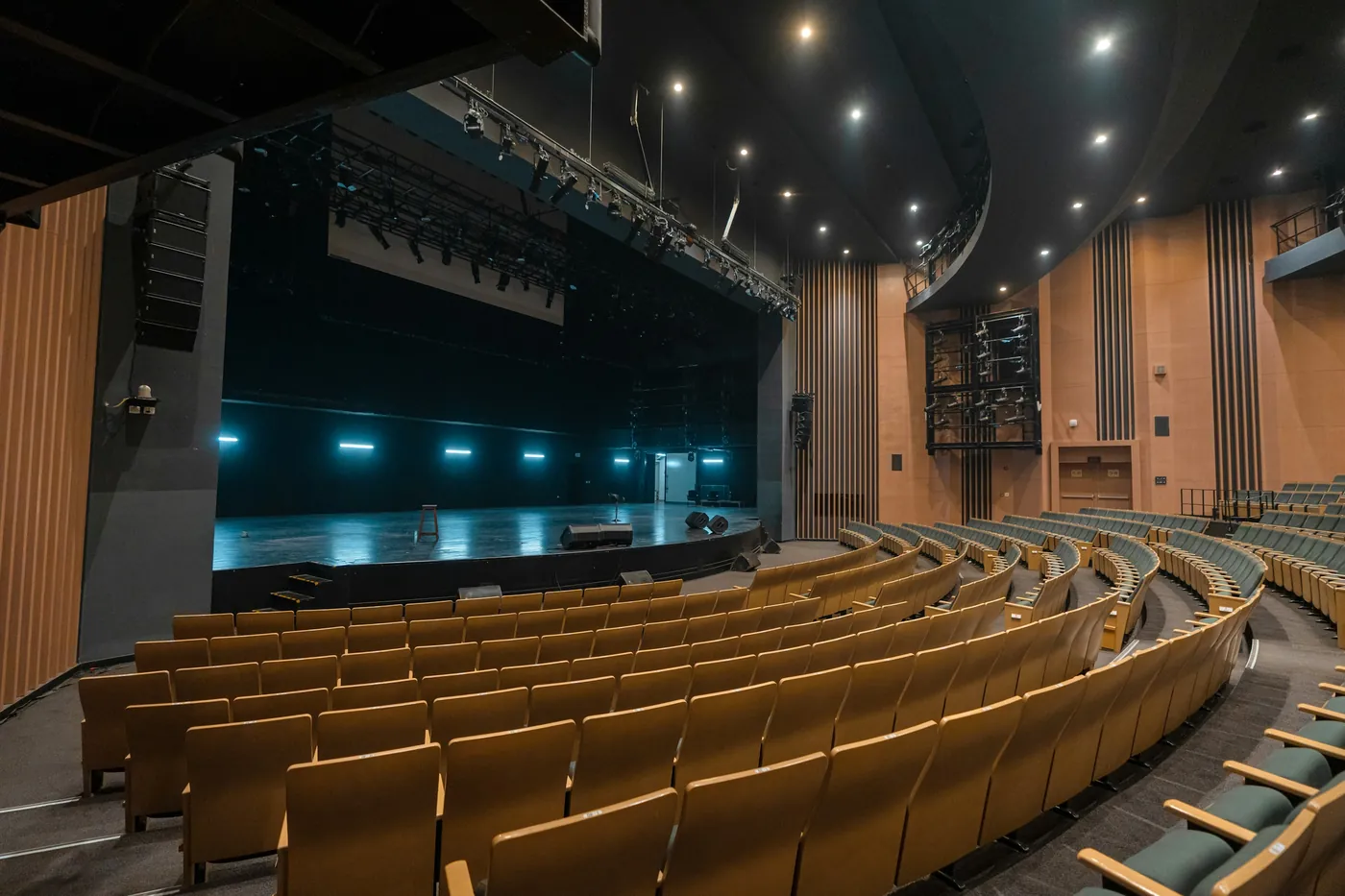
An empty theatre auditorium with tiered wooden seats facing the stage

For event spaces, theatres & attractions

Every event builds the list for the next one.

Thousands of people, one night, and the promoter keeps the ticket data. Your Wi-Fi is the one touchpoint you own: capture attendees with consent, tag them by event, invite them back.

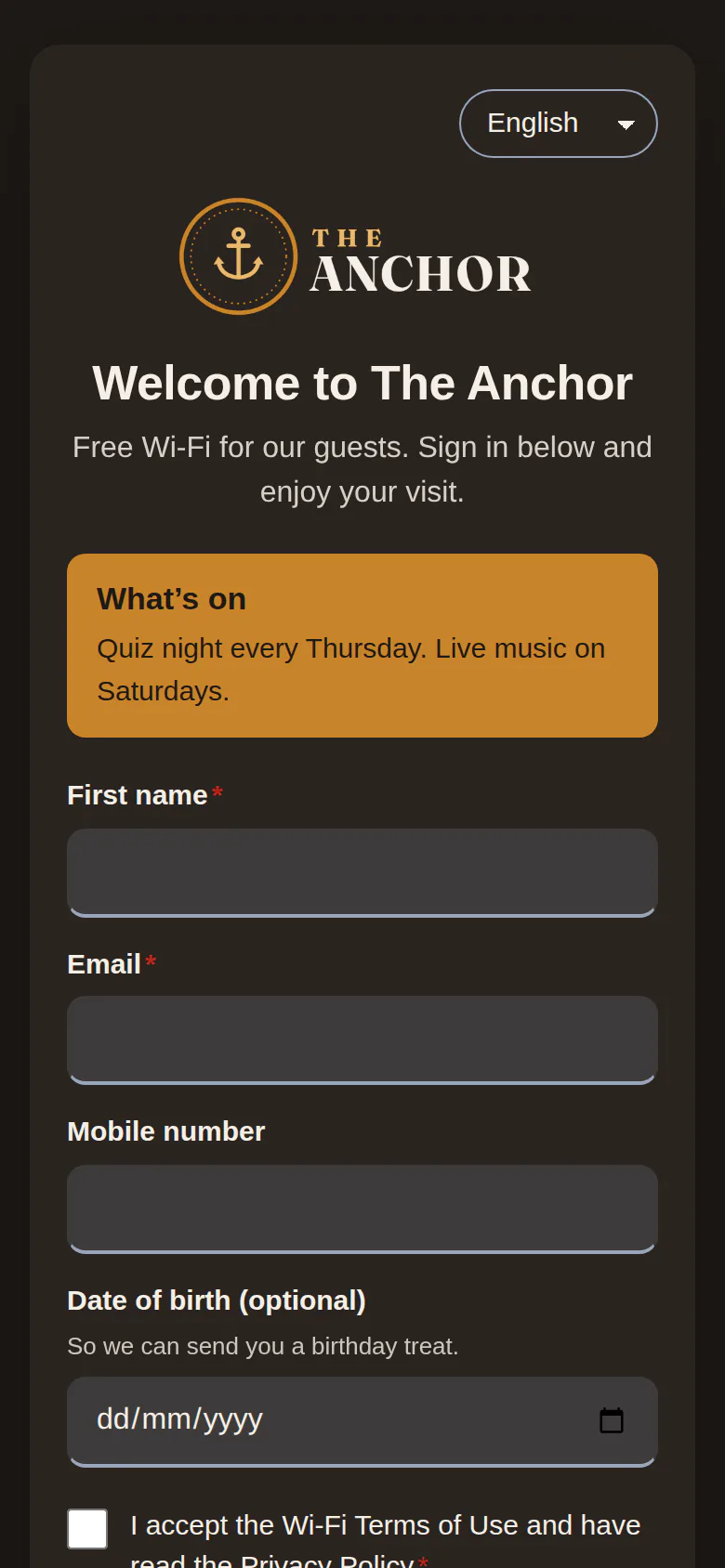
Sign-in page with an announcement block, as used for today’s programme
The ticket platform has the audience. We have a bar tab.

Attendees sign in to the Wi-Fi with an optional marketing tick; you keep the contact.

Every event starts from zero.

Tag guests by event and send the next announcement to people who came to something similar.

Wi-Fi collapses when 800 phones connect at once.

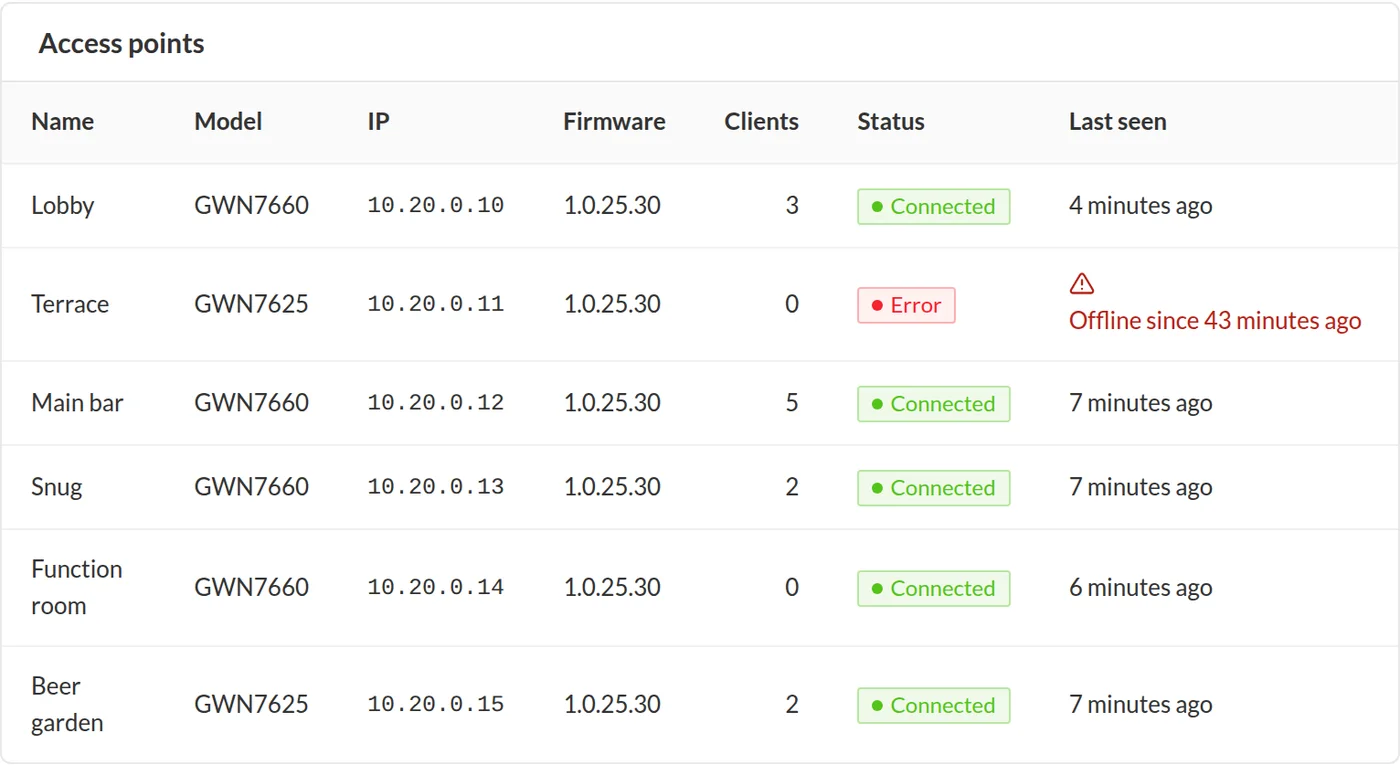
The portal is designed for peaks and the access point health page tells you if an AP drops.

The venue playbook

Three journeys. Switched on in a minute.

  1. Event tagging

    A portal per event or a date-based segment, so "came to the comedy night" is a list you can email.

  2. Next-event announcement

    One campaign to the right segment, with a single-use early-bird code.

  3. Review request

    The morning after, a short email with your Google link. Same ask for everyone.

Online now: live sessions per access point
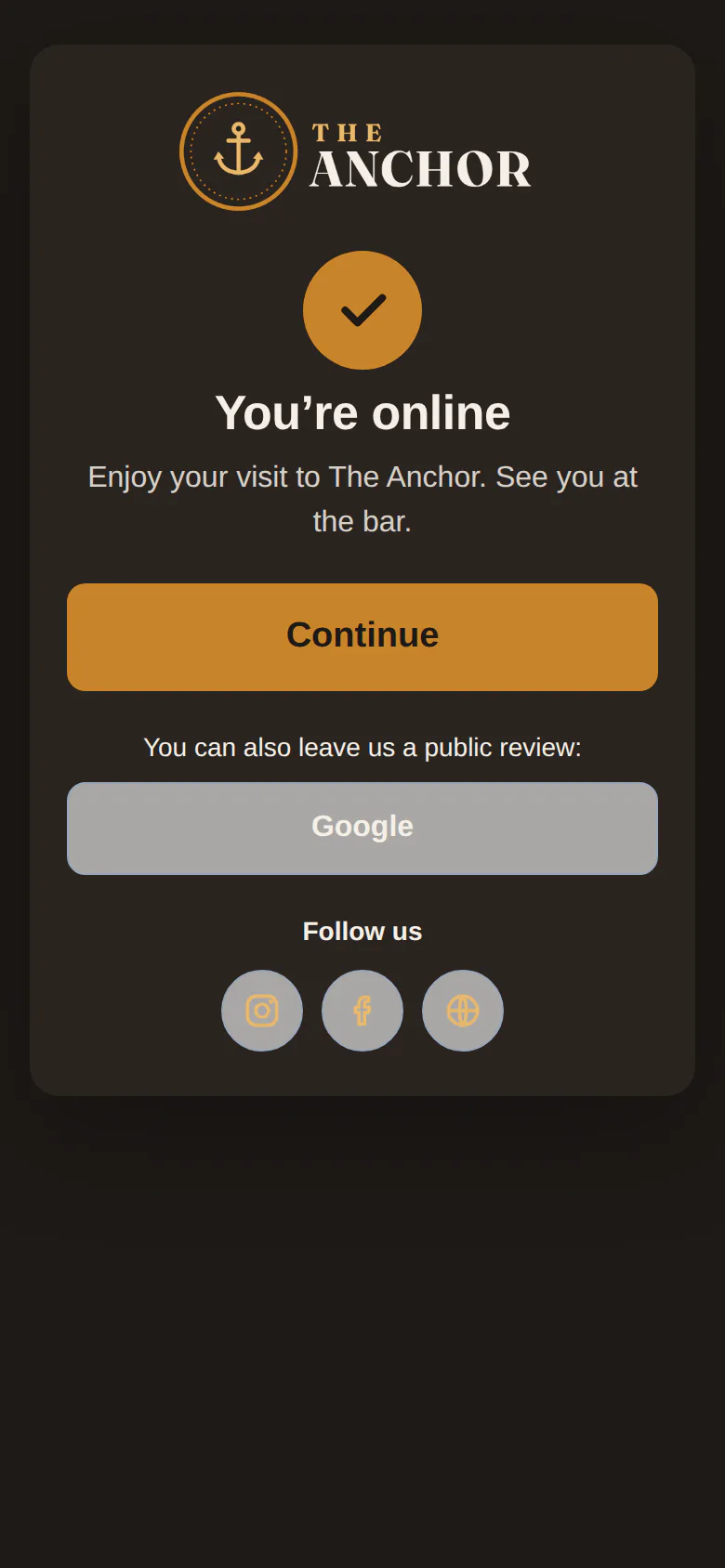
"You’re online" screen with follow-us buttons

A 600-capacity venue, worked example

Assumes three events a week, 40% Wi-Fi sign-in and 35% email opt-in. Illustrative only.
~250
new opted-in attendees / week
Live
sessions per access point, during the event
£179
per month, 6-10 access points, Engage

Online now, per access point
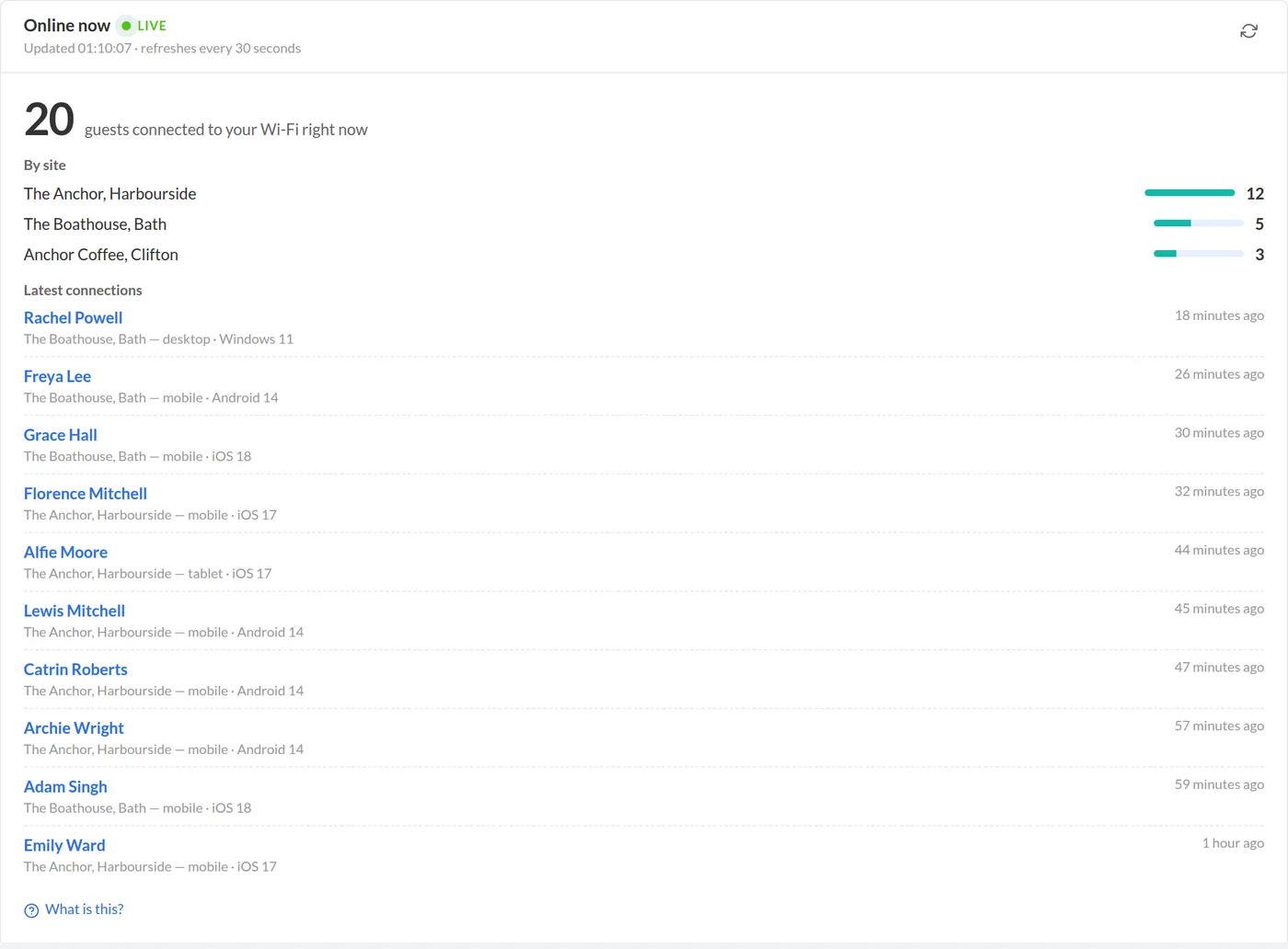
Live sessions

Know when an access point drops

Access point health

What venues use most

  • Event and venue login templates
  • Segments and tags by event or date
  • Email & SMS campaigns with the consent gate built in
  • Offers with single-use codes for early-bird tickets
  • Live sessions and access point health
  • Follow-us screen after connecting (Instagram, TikTok, Facebook)
  • REST API and webhooks for your ticketing tools

Questions venues ask

Can we run a different login page per event?
Yes. Create as many portals as you like and assign one to the site for the night, or keep one page and tag by date.
How many guests can connect at once?
That depends on your access points. WiFinger itself handles bursts of sign-ins; we recommend a quick check with your Wi-Fi installer for very large events.
Can we share attendees with a promoter?
Only within the consent guests gave. Consent wording names your organisation; sharing with third parties needs its own wording, which the portal lets you set.

Try it on your own Wi-Fi this week.

14 days free. No card. Cancel in one click.